Your GitHub Contributions,
On Your Desk
A real LED display that shows your GitHub contribution graph — always on, always current. Set up in under 5 minutes with the free companion app.
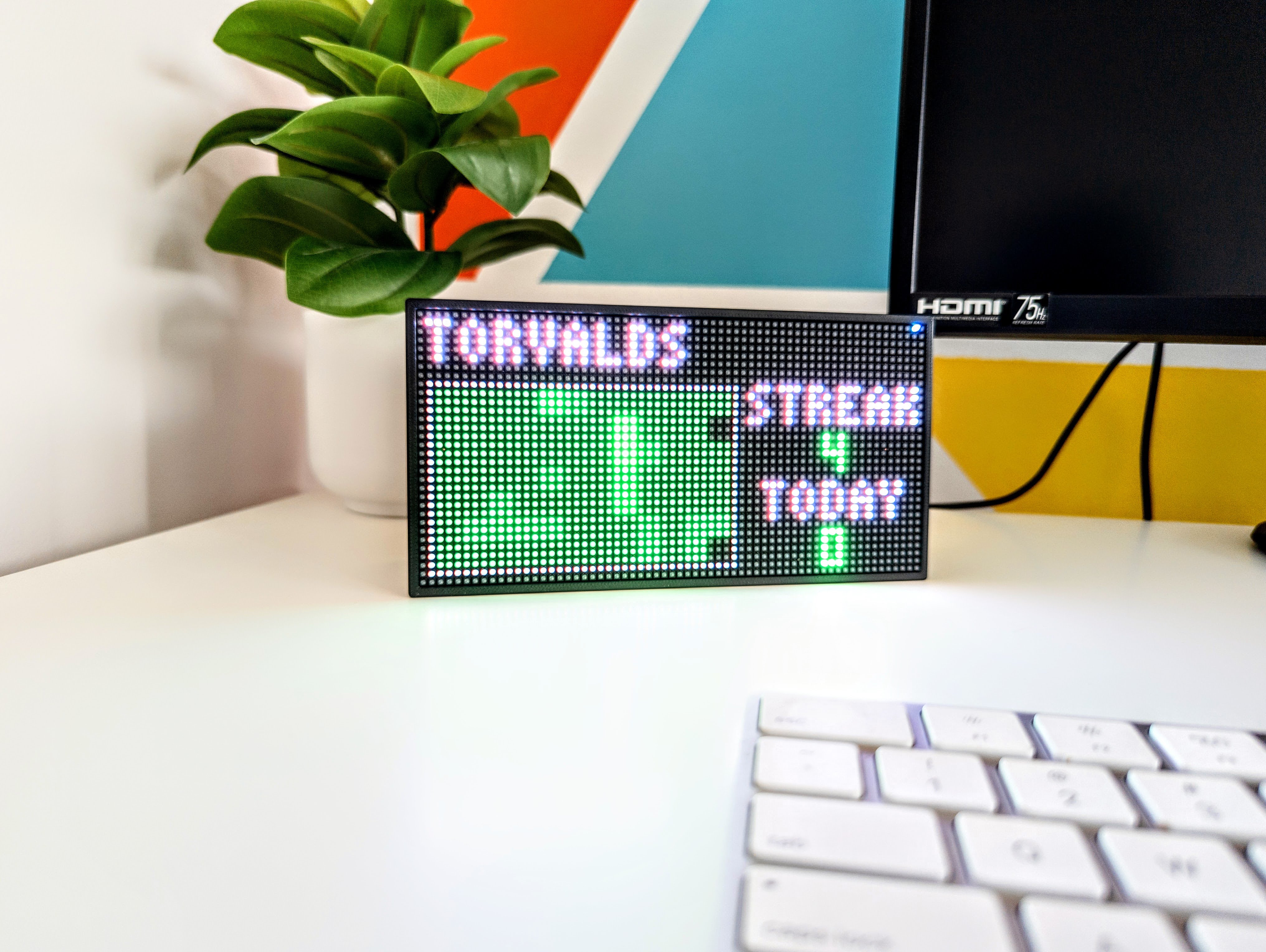
A real LED display that shows your GitHub contribution graph — always on, always current. Set up in under 5 minutes with the free companion app.
Everything you'd want from a physical contribution display — nothing you wouldn't.
Plug in, open the app, connect to WiFi, enter your GitHub username. That's it. No soldering, no config files, no terminal.
Auto-refreshes your contribution data throughout the day. Push a commit and see it reflected on your display within minutes.
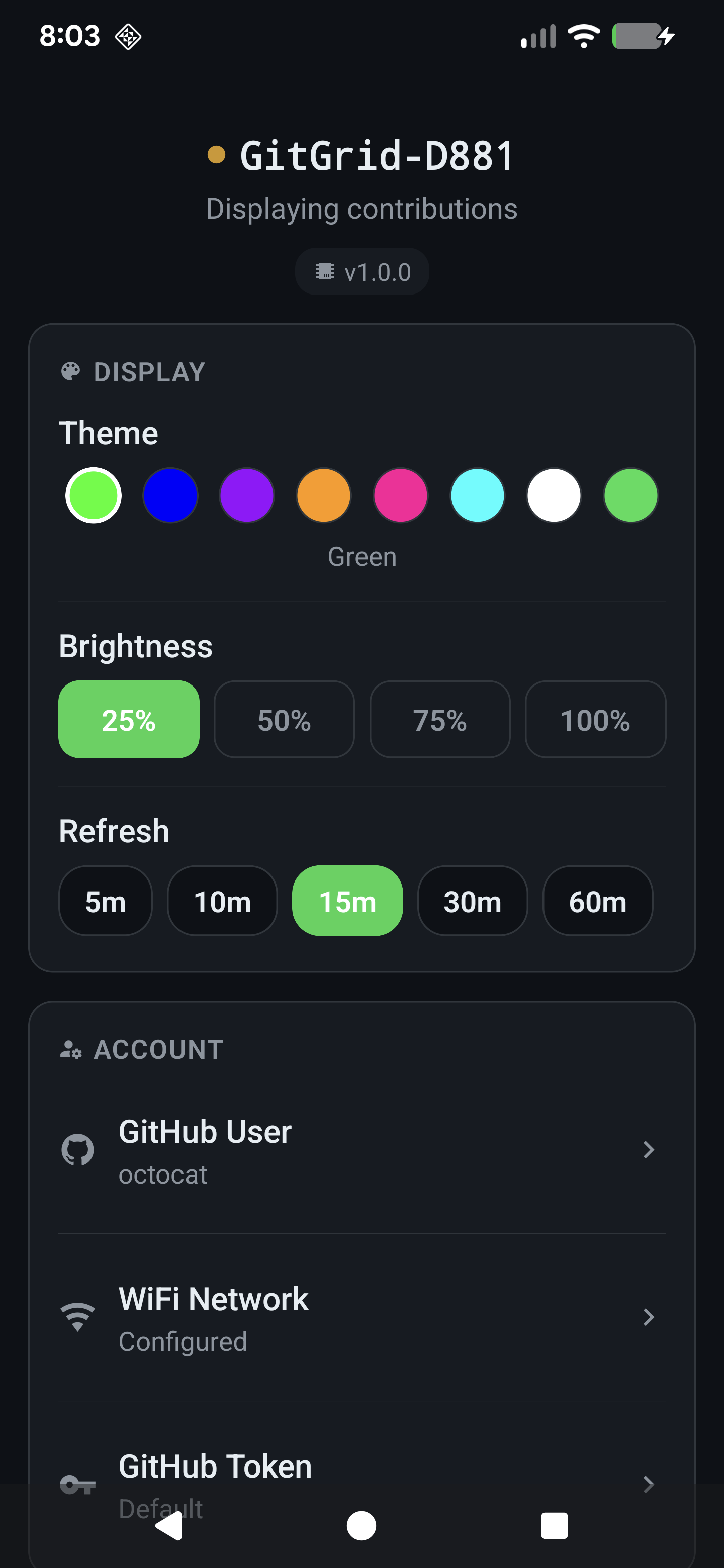
Classic GitHub green, blue, purple, orange, pink, cyan, white, or GitHub's own subdued palette. Switch themes anytime from the app.
Add up to 5 GitHub usernames and the display cycles between them. Perfect for teams or showing off your org.
No accounts, no cloud service, no subscriptions. Your data goes straight from GitHub to your display over your own WiFi. Nothing passes through our servers.
Firmware updates delivered automatically over WiFi. New features and fixes without plugging anything in.
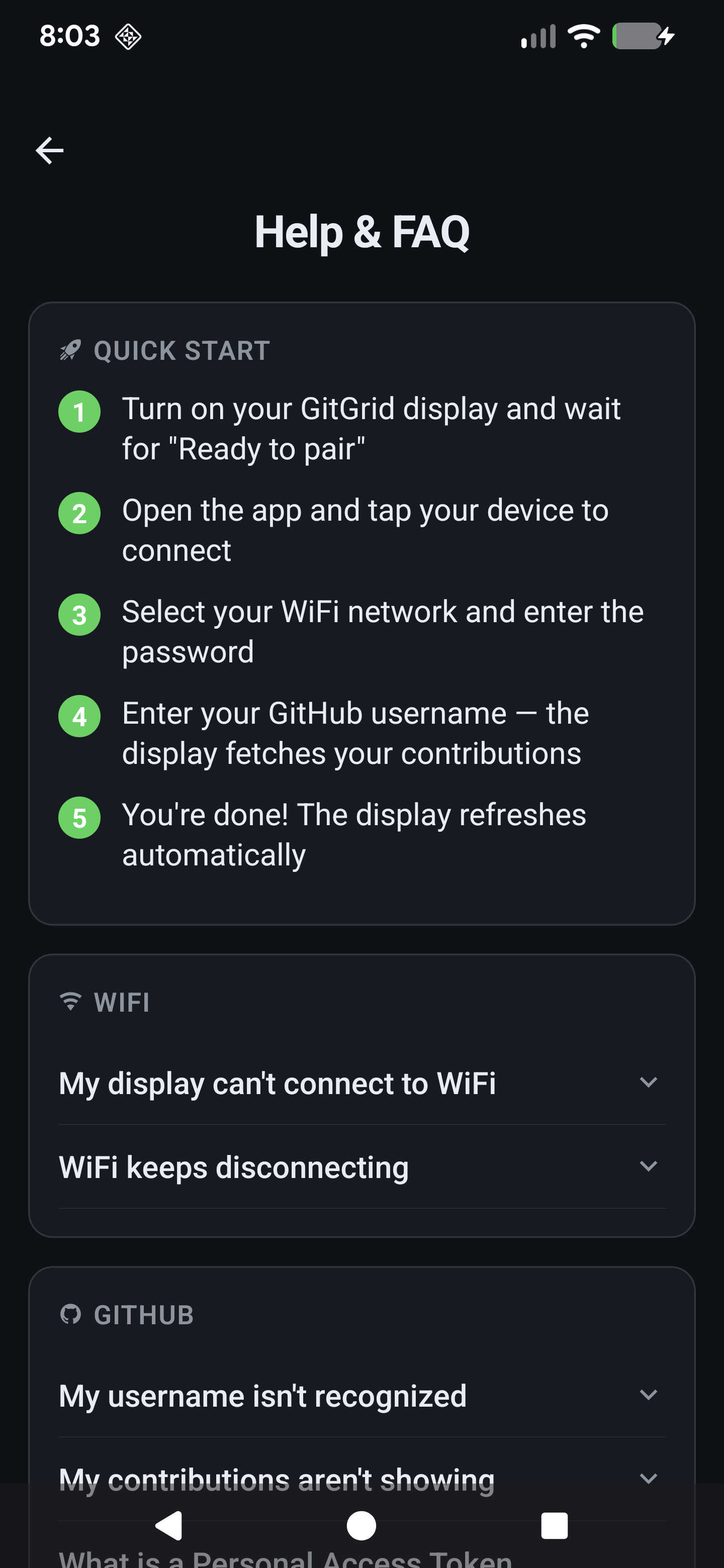
Connect the display to any USB-C power source. It boots up and shows "Ready to pair" in seconds.
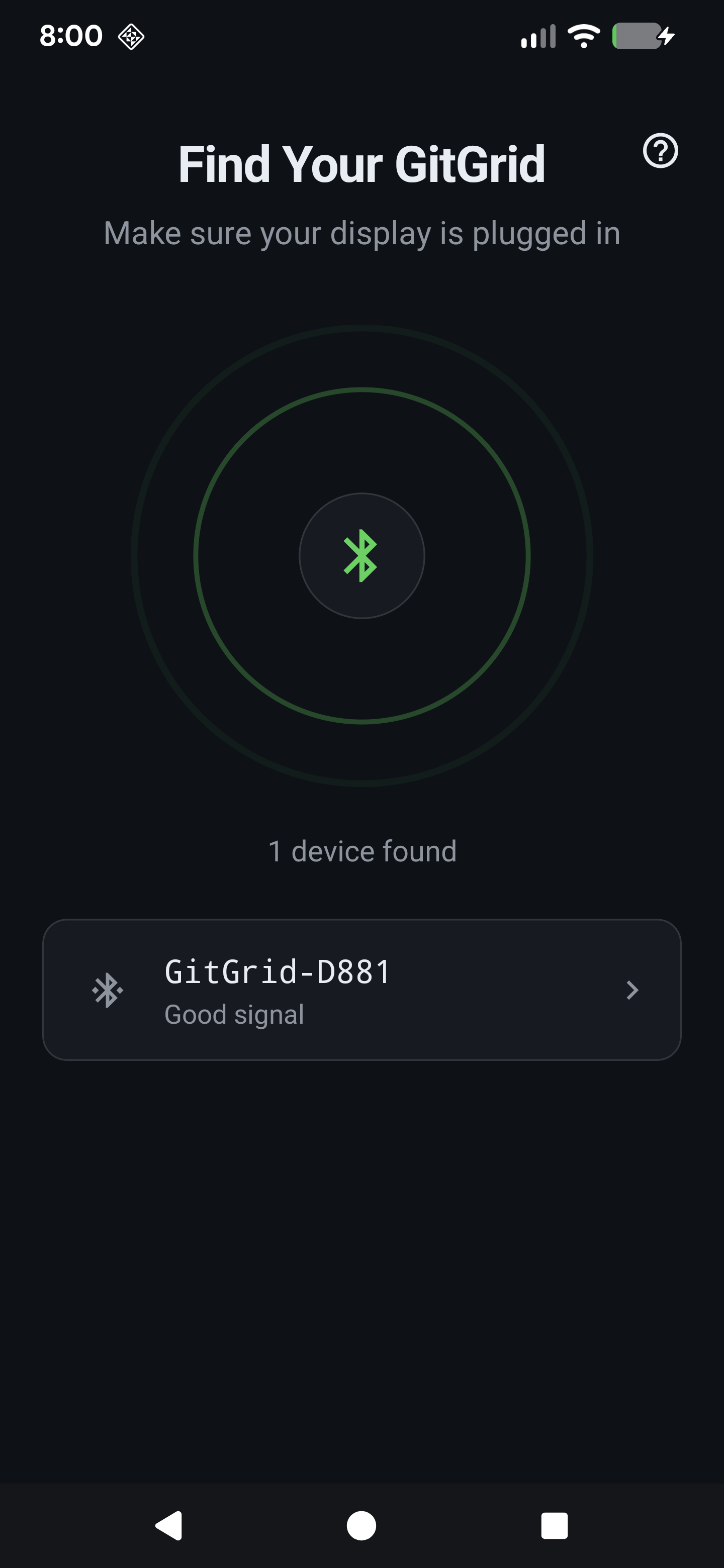
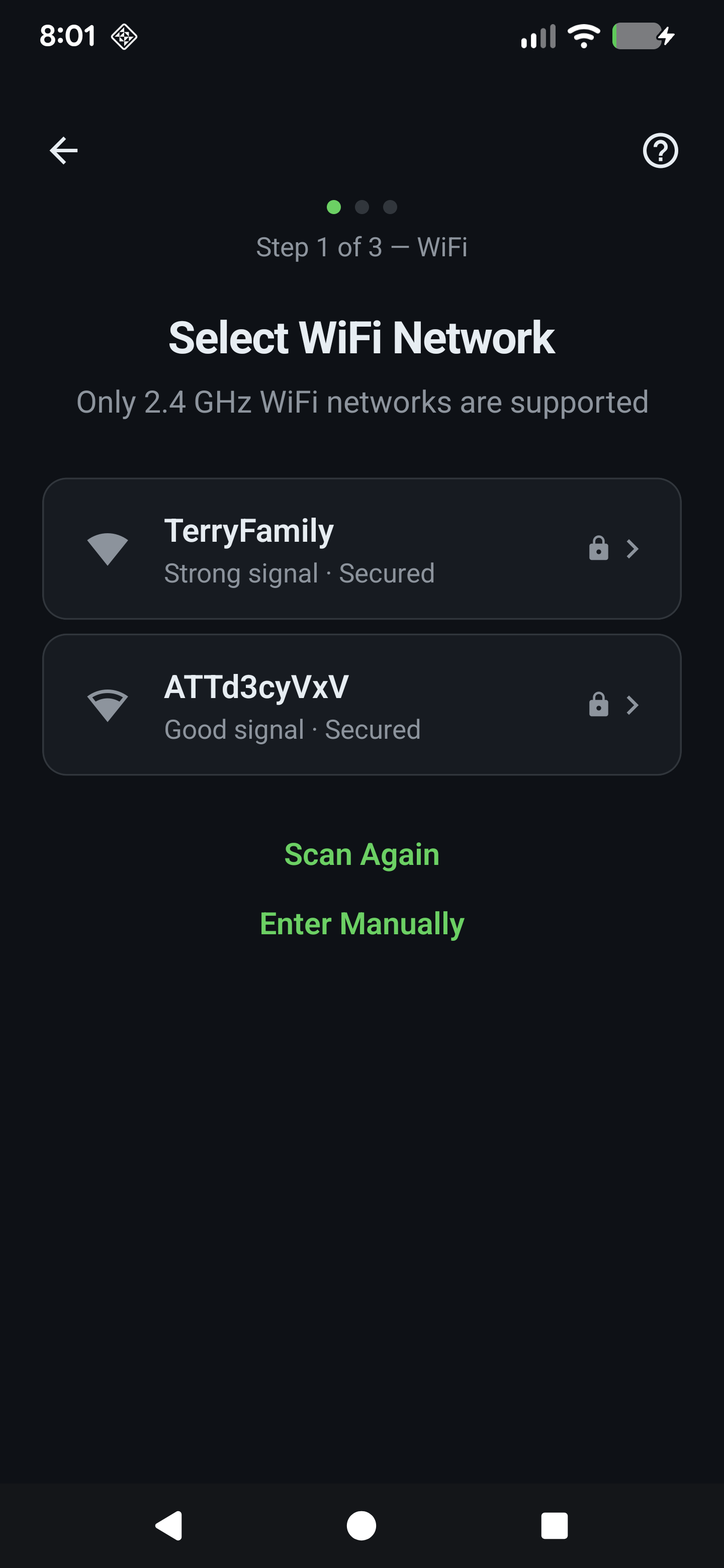
Open the free companion app, find your display, and select your WiFi network. 2.4 GHz networks supported.
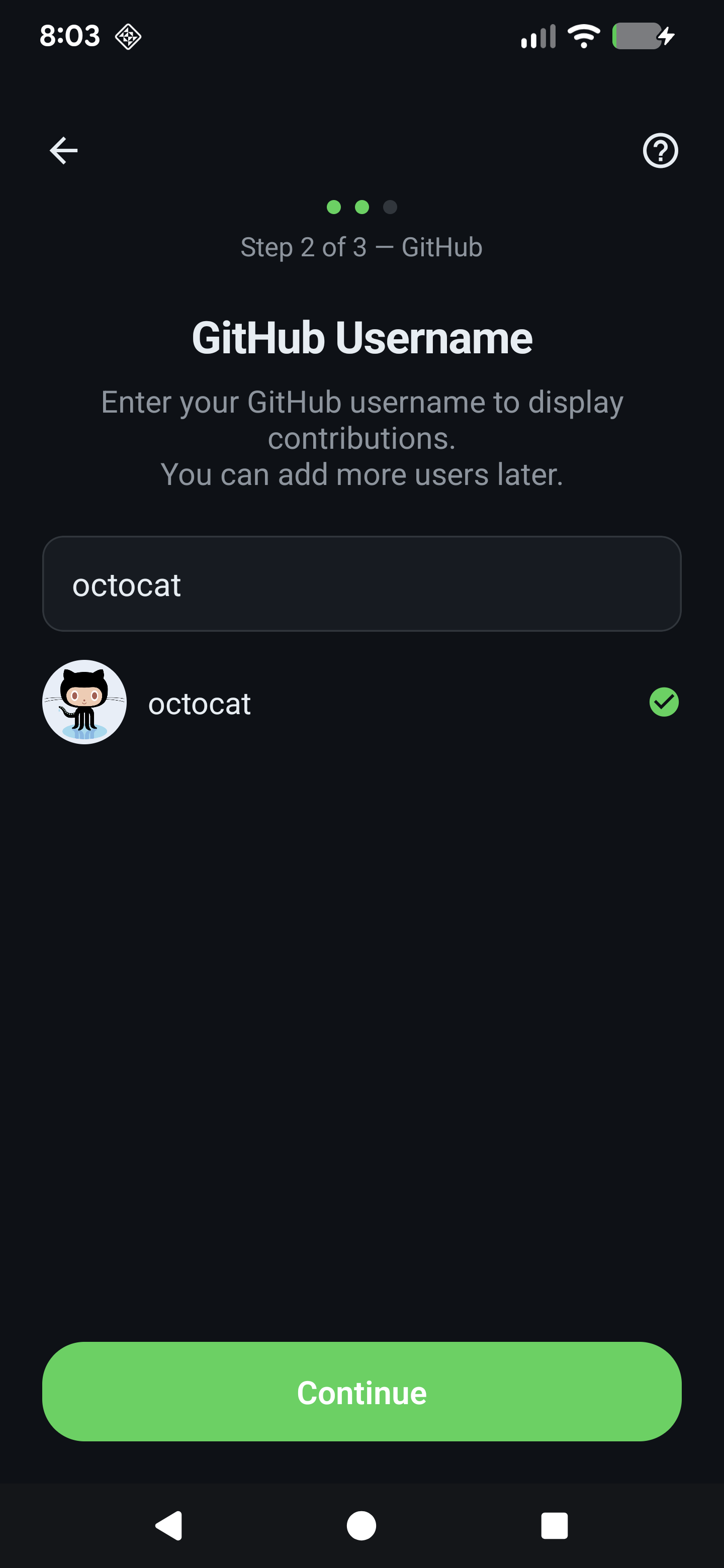
Type your GitHub username and watch your contribution graph appear on the display in seconds.
Free for iOS and Android. Configure everything from your phone.


GitGrid is available now on Etsy. Free shipping included.